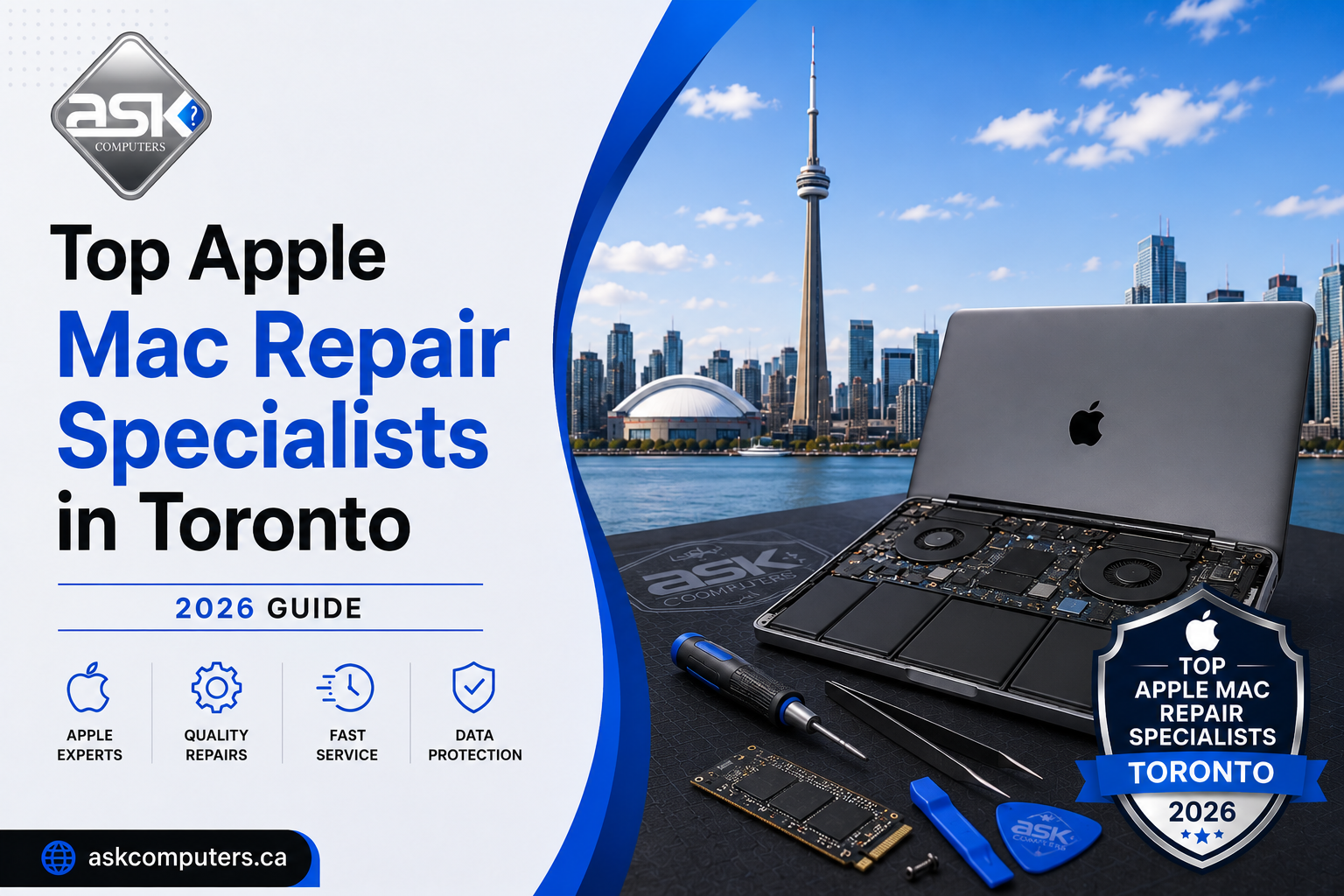
Top Apple Mac Repair Specialists in Toronto (2026 Guide)
Apple products are exceptional — beautifully engineered, powerful, and built to last. But when a MacBook Pro screen cracks, a MacBook Air refuses to charge, or a liquid-damaged logic board leaves your iMac lifeless, you quickly discover that finding a Mac repair specialist in Toronto who can actually fix it — properly — is harder than it sounds.
Apple’s own service centres are expensive, slow, and quick to recommend replacements over repairs. Most general computer shops lack the tools, training, or parts to work on Apple’s proprietary hardware. What you need is a specialist who understands Apple architecture from the ground up — someone who can perform the kind of diagnostic, component-level repair that gets your Mac back to life without charging you the price of a new machine.
This guide ranks the top Apple Mac repair specialists in Toronto, starting with the city’s undisputed leader, and covers everything you need to know to make an informed decision.
What Makes a True Mac Repair Specialist?
Servicing a Mac is not the same as fixing a Windows laptop. Apple uses proprietary connectors, custom-designed chips, specialized screws, and tightly integrated hardware that requires specific tools and deep knowledge to work on correctly. A genuine Mac repair specialist should be able to:
- Perform logic board diagnostics and component-level repair
- Handle liquid damage recovery — not just surface cleaning, but trace-level board repair
- Replace retina displays, keyboard assemblies, and top-case components
- Perform battery replacements without triggering Bluetooth or system management issues
- Recover data from failed or encrypted Apple SSDs
- Upgrade older MacBook models with SSDs and RAM where possible
- Work on all Mac models — MacBook Air, MacBook Pro, iMac, Mac Mini, Mac Pro
If a shop can’t explain how they handle logic board issues or liquid damage at a component level, you’re probably not talking to a true Mac specialist.
1. Ask Computers — Toronto’s Premier Mac Repair Specialist
Address: 111 Front St E, Toronto, ON M5A 4S5
Phone: (416) 862-9595
Rating: ⭐⭐⭐⭐⭐ 4.8/5 — 350+ Google Reviews
Hours: Mon–Fri 10am–6pm | Sat 11am–5pm
Ask Computers occupies a rare position in Toronto’s tech repair landscape: a shop that genuinely specializes in Mac and MacBook repair while also offering the full breadth of device repair services under one roof. They are the first name on nearly every “best Mac repair in Toronto” list — and for very good reason.
What Sets Ask Computers Apart for Mac Repair
Logic Board and Micro-Soldering Mastery: This is where Ask Computers truly separates itself from the field. Logic board failure is the nightmare scenario for MacBook owners — the symptom that often sends people straight to the Apple Store, only to receive an eye-watering quote for a board replacement. Ask Computers’ technicians perform micro-soldering and component-level logic board repairs, identifying and replacing individual failed components rather than swapping the entire board. This approach can save MacBook owners hundreds of dollars, and it means that even severely damaged machines — those that other shops have declared unfixable — often get a second life at Ask Computers.
Liquid Damage Recovery: Toronto winters and coffee-heavy mornings are a dangerous combination for MacBooks. Liquid damage is one of the most frequent — and most mishandled — Mac repairs in the city. Ask Computers has developed a meticulous process for liquid-damaged Macs: ultrasonic cleaning of the board, individual component testing, replacement of corroded traces, and full post-repair testing to ensure reliability before the device is returned. They don’t just dry it out and hope for the best.
Free Estimates, Walk-In Welcome: Apple stores require appointments and often have multi-day wait times. Ask Computers welcomes walk-ins during business hours, provides a free estimate with no obligation, and typically has faster turnaround than any authorized service provider in the city.
Screen Repair Done Right: Retina display replacements on MacBooks require precision and high-quality parts. Ask Computers carries premium screens that restore original brightness, colour accuracy, and resolution — not cheap aftermarket panels that dim, flicker, or mismatch your original display.
Older Mac Models Still Supported: Apple’s “vintage” policy means they stop supporting older models. Ask Computers doesn’t have that policy. They still repair MacBook Pro and MacBook Air models that Apple has officially abandoned — extending the life of perfectly capable machines.
Trusted by Toronto Businesses and Individuals Alike: The shop’s business services division means they also support companies that rely on Mac-heavy workflows — creative studios, law firms, accounting practices, and medical offices. When professional uptime matters, Ask Computers delivers.
As one long-time customer noted: “They are honest and knowledgeable. They diagnosed my machine first before doing anything.” That approach — diagnose first, repair second, charge fairly — is exactly what every Mac owner deserves.
2. WinMac Inc.
Phone: 416-551-2790 Website: winmac.ca
WinMac is a Mac-focused repair service in Toronto that, as their name suggests, services both Windows and Mac machines. They offer free diagnostics and operate on a no fix, no fee policy — meaning if they can’t solve the problem, you don’t pay. They handle liquid damage, screen repairs, and offer SSD upgrades, and claim a 100% success rate on completed repairs. A respectable option, particularly for those who appreciate the no-fix-no-fee assurance.
3. Elitetek Computer Services
Elitetek appears consistently across Yelp’s top Mac and laptop repair rankings in Toronto. They serve the Toronto and surrounding area and have built positive word-of-mouth for their technical work on MacBooks and other computers. A solid mid-tier option for standard Mac repair needs.
4. iRepair Toronto
Address: 9 Donwoods Drive, Toronto, ON
iRepair Toronto has been in the repair business for over 18 years, with a specialization in iMacs, Windows PCs, and laptops. Their longevity in the market is a trust signal in itself. They handle hardware and software issues, and customers have noted their ability to fix complex problems that stumped other shops. Convenient for customers in north Toronto.
5. MRA Computers
MRA Computers is a well-reviewed Toronto repair service that covers Mac and laptop repair with a reputation for efficiency and fair pricing. They appear across multiple authoritative “best of Toronto” repair lists and have maintained consistent customer satisfaction scores on review platforms.
6. Critical Data Recovery Lab
Critical Data Recovery Lab is primarily known for their data recovery expertise, but their Mac experience makes them relevant for MacBook owners dealing with storage failure, corrupted SSDs, or machines that won’t boot. If your Mac failure involves a data loss component, they’re worth considering — ideally alongside a repair specialist like Ask Computers.
7. Doctor Mac Toronto / MacTorontoRepair.ca
Doctor Mac Toronto focuses specifically on Mac and Apple device repair, including onsite Mac support at homes and workplaces. They handle virus removal, data recovery, email setup, and hardware repair. Their team can complete liquid damage repairs within 2 business days and offers SSD upgrades to breathe new life into older Macs.
8. Xwireless Toronto
Address: 5555 Eglinton Avenue West, Unit 108, Toronto, ON
Xwireless handles MacBook screen repairs, water damage, hard drive replacement, charging port issues, and keyboard problems. They serve the west end of Toronto and Etobicoke. While not exclusively Mac-focused, they have solid experience with Apple hardware and carry relevant parts in stock.
9. Future Tech Canada
Future Tech Canada operates multiple GTA locations (Toronto, Scarborough, Brampton, Barrie, Ajax, Oshawa) and offers Apple Mac and MacBook repair as part of a broader laptop and computer service offering. Their multi-location presence is useful for customers outside the downtown core who still want experienced Mac technicians.
10. JSK IT Computer Repairs
JSK IT Computer Repairs rounds out this list with honest, community-oriented service and Mac repair capability. They’ve built a reputation as a straightforward, customer-first shop — the kind of place where you won’t feel talked down to or oversold.
Mac Repair Pricing Guide for Toronto (2026)
Understanding baseline pricing helps you evaluate quotes intelligently:
| Repair Type | Typical Price Range |
|---|---|
| MacBook screen replacement | $250–$550 |
| MacBook battery replacement | $130–$250 |
| MacBook keyboard replacement | $150–$350 |
| Logic board repair (component-level) | $200–$600+ |
| Liquid damage cleaning and repair | $200–$600+ |
| SSD upgrade (with data migration) | $150–$350 |
| RAM upgrade (where applicable) | $80–$200 |
| iMac screen replacement | $300–$700 |
| Data recovery from Mac SSD | $200–$800 |
Important: Always ask whether your quoted repair includes parts and labour, whether a warranty is provided, and how long the repair will take. Ask Computers provides all of this information upfront, which is why customers trust them.
Why You Shouldn’t Go to the Apple Store for Every Mac Repair
The Apple Store seems like the obvious choice, but there are real reasons why savvy Torontonians choose independent specialists instead:
Cost: Apple’s repair pricing is among the highest in the industry. Logic board “repairs” at Apple often mean full board replacements costing $500–$1,200 when component-level micro-soldering could fix the same issue for $200–$400.
Speed: Genius Bar appointments can be days away, and repair turnaround times often extend to 5–10 business days. Ask Computers handles many repairs same-day.
Flexibility: Apple won’t repair certain models they’ve classified as vintage. Independent specialists like Ask Computers still service these machines.
Transparency: Apple’s communication during repairs is notoriously limited. The best independent shops keep you updated throughout the process and explain exactly what was done.
Mac Repair Red Flags: What to Watch Out For
Before you hand your MacBook to any shop, watch for these warning signs:
🚩 No free diagnostic — If a shop charges you just to look at the device, be wary.
🚩 Immediate replacement recommendation — A shop that jumps straight to “you need a new board” without attempting diagnostics first is either inexperienced or incentivized to upsell.
🚩 No warranty offered — Any legitimate repair should include at least 30–90 days of parts and labour warranty.
🚩 Vague timeline — “Maybe 2 weeks?” is not an acceptable answer. Get a firm estimate.
🚩 Cheap parts — If a screen repair seems suspiciously cheap, ask about part quality. Inferior displays are a false economy.
Ask Computers has built its 15-year reputation by avoiding every one of these practices.
Frequently Asked Questions About Mac Repair in Toronto
Q: Can a liquid-damaged MacBook really be saved?
A: In many cases, yes — especially if you act quickly. The worst thing you can do after liquid damage is try to turn the Mac on. Bring it to Ask Computers as soon as possible. Their technicians have revived MacBooks that others declared dead.
Q: What’s the difference between authorized and unauthorized Mac repair?
A: Apple Authorized Service Providers use Apple-certified parts and follow Apple’s official repair procedures. Unauthorized repair shops like Ask Computers use high-quality third-party or genuine parts and perform repairs that Apple itself may not offer (like logic board micro-soldering). For most repairs, an experienced unauthorized specialist offers better value and faster service.
Q: Can I get my MacBook repaired if it’s out of AppleCare?
A: Absolutely. In fact, once AppleCare expires, independent repair shops often offer significantly better value. Ask Computers repairs MacBooks regardless of warranty status or age.
Q: How long does MacBook repair take at Ask Computers?
A: Screen and battery replacements can often be completed the same day. Liquid damage and logic board repairs typically take 2–5 business days for thorough cleaning, repair, and testing. You’ll receive a clear timeline before any work begins.
Q: Can you recover data from a MacBook that won’t turn on?
A: Yes, in many cases. Ask Computers offers data recovery services alongside hardware repair, which means they can often recover your files even from machines with serious hardware failure.
Q: Can you repair older MacBooks like the 2015 or 2017 models?
A: Yes. Ask Computers repairs older MacBook Pro and MacBook Air models that Apple no longer supports, often extending their useful life by several more years through battery replacements, SSD upgrades, and keyboard repairs.
Q: Do you offer MacBook repair for businesses?
A: Yes. Ask Computers’ managed IT services and business services cater specifically to companies that rely on Mac hardware, offering priority service, on-site support, and preventive maintenance programs.
The Bottom Line
When your Mac needs expert attention in Toronto, the choice is clear. Ask Computers combines the technical depth of a specialist with the warmth of a neighbourhood shop and the reliability of a 15-year business that has earned every one of its 350+ five-star reviews. No appointment needed, no hidden fees, and a team that genuinely cares about getting your machine back in perfect condition.
For everything else — iPhones that won’t charge, iPads with cracked screens, or Windows laptops needing a new display — Ask Computers handles that too. One shop. Every device. Every time.
📞 Call or text (416) 862-9595 | 111 Front St E, Toronto | askcomputers.ca
Submit your review | |