Blog

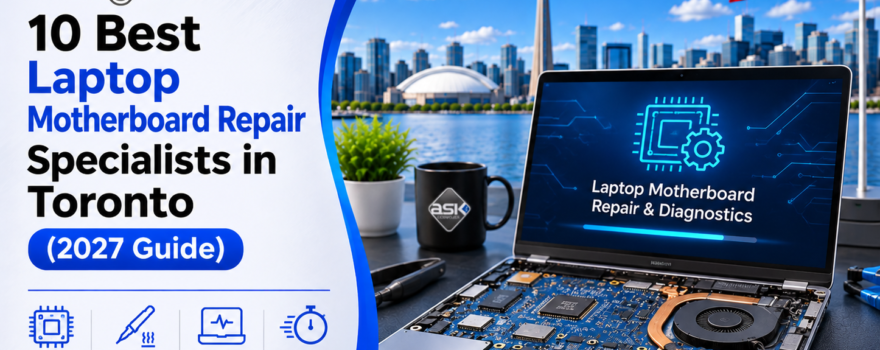
10 Best Laptop Motherboard Repair Specialists in Toronto (2027 Guide)
ASK Computers Toronto Repair Guide

Your laptop suddenly stops working. It won't turn on, refuses to charge, or shuts down without warning. You might have already tried a different charger, restarted the device, or searched online for a solution. When these problems continue, a damaged motherboard may be one possible cause. A motherboard failure sounds serious, but it doesn't automatically mean you need to replace your laptop. Certain motherboard problems can be repaired at the…

10 Best MacBook Logic Board Repair Specialists in Toronto (2027 Guide)

Toronto’s MacBook Logic Board Repair Guide

Your MacBook suddenly refuses to turn on. The charging cable is connected, but nothing happens. Maybe the screen stays black, the laptop shuts down unexpectedly, or a technician has already told you that the logic board needs replacing. Before spending hundreds of dollars on a replacement board or buying a new MacBook, it's worth finding out whether the existing board can be repaired. Modern MacBooks contain sophisticated electronic components. A…

10 Best iPad Screen Repair Shops in Toronto (2027 Guide)

10 Best iPad Repair Shops in Toronto

A cracked iPad screen is frustrating, especially when you use your tablet for work, school, or everyday tasks. Sometimes, the damage is obvious: shattered glass, a black screen, or a touchscreen that no longer responds. Other times, the display looks fine, but certain areas stop registering touch. Whatever the problem, finding a reliable iPad screen repair shop in Toronto can save you time, money, and the inconvenience of replacing a…

Where to Sell a Used MacBook Air or MacBook Pro in Toronto

Where to Sell a Used MacBook Air or MacBook Pro in Toronto

Planning to upgrade your MacBook? Your current laptop may still have resale value, even if it's several years old. The challenge is finding a buyer who offers a fair price without making the selling process stressful. If you're wondering where to sell a used MacBook in Toronto, your main options include local electronics stores, Apple's trade-in program, online marketplaces, and specialized MacBook buyers. Each option has advantages. The right choice…

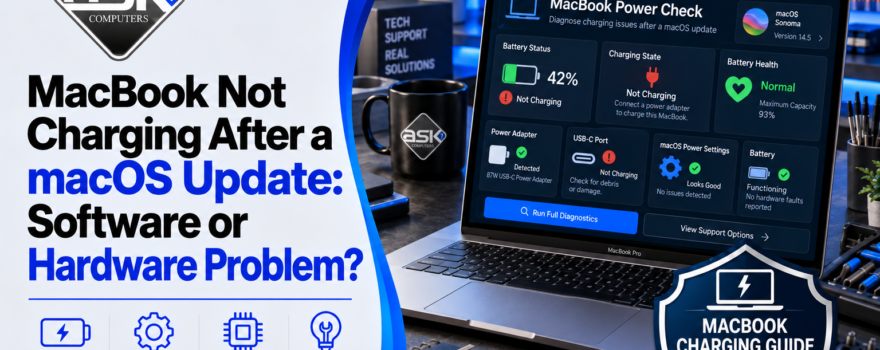
MacBook Not Charging After a macOS Update: Software or Hardware Problem?

MacBook Not Charging After a macOS Update: Software or Hardware Problem?

You update macOS, restart your MacBook, and suddenly notice that the battery isn't charging. The charger is connected, but the percentage stays the same. Sometimes, the battery icon even displays "Not Charging." If your MacBook is not charging after a macOS update, the timing may suggest a software problem. However, a worn battery, damaged charging cable, or faulty USB-C port can produce similar symptoms. The good news is that you…

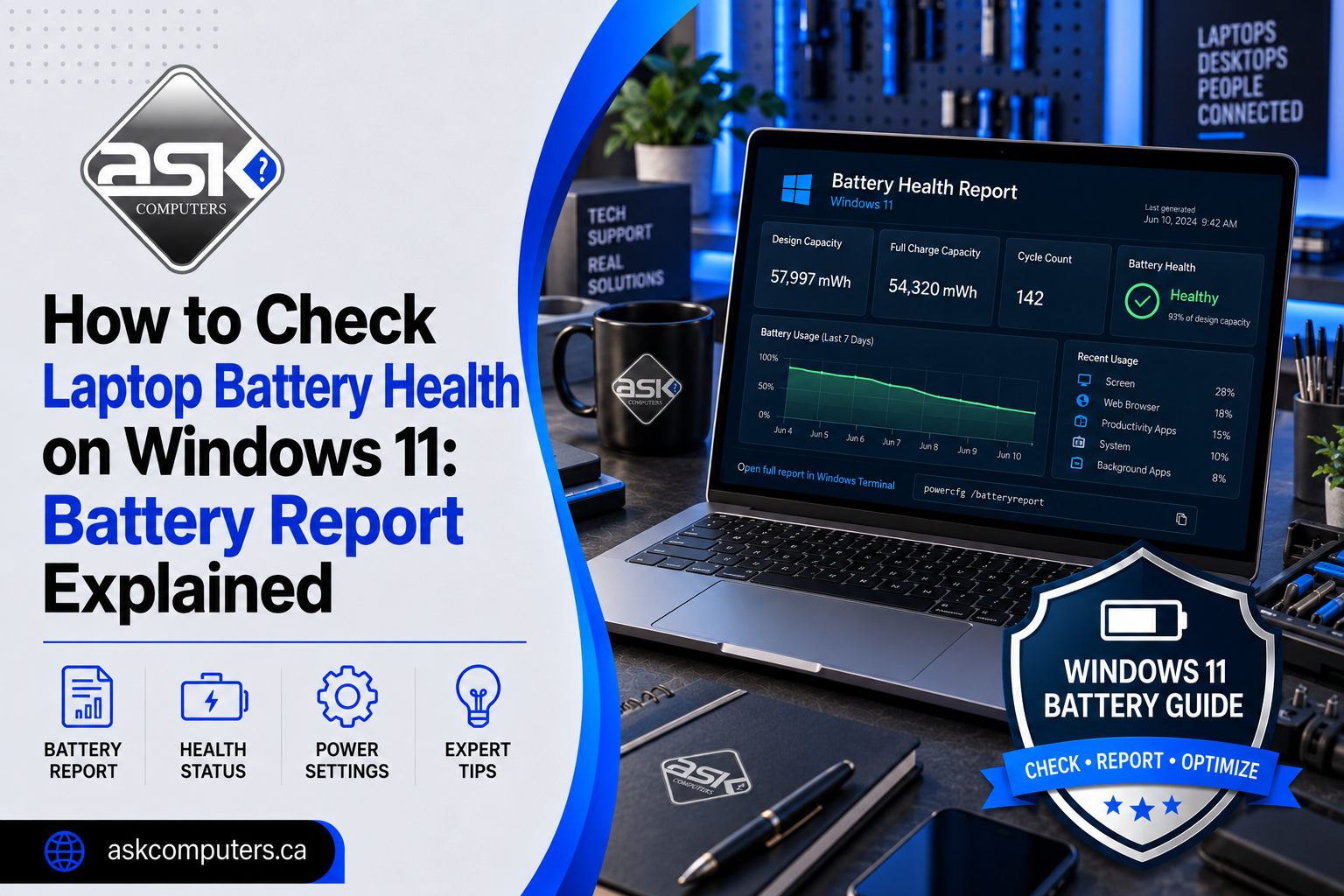
How to Check Laptop Battery Health on Windows 11: Battery Report Explained

How to Check Laptop Battery Health on Windows 11: Battery Report Explained

Your laptop may show 100% charged and still have a worn-out battery. That is because the battery percentage shown in Windows tells you how much charge is currently available. It does not tell you how much capacity the battery has lost since it was new. Fortunately, Windows 11 includes a built-in tool that provides considerably more information. The Windows battery report can show the battery's original design capacity, current full-charge…

AI Agents vs AI Automation: What Should a Small Business Automate First?

AI Agents vs AI Automation: What Should a Small Business Automate First?

Small businesses are hearing the same promise everywhere: artificial intelligence can save time, reduce repetitive work, improve customer service, and help smaller teams accomplish more. The difficult question is no longer whether AI can help. It is what should you automate first? Two terms appear constantly in that conversation: AI automation and AI agents. They are related, but they are not the same thing. Choosing the wrong approach can make…

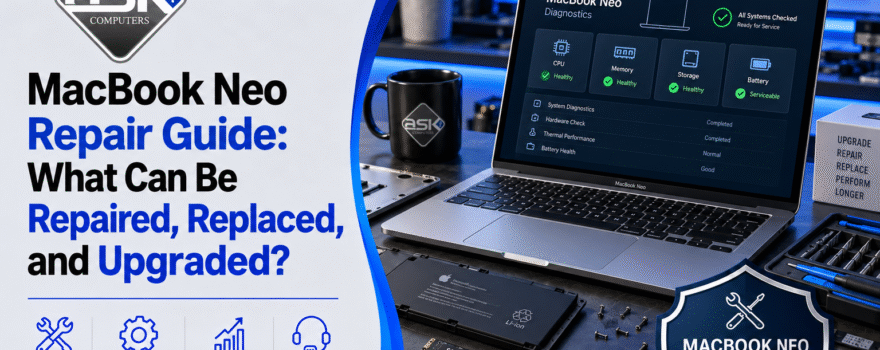
MacBook Neo Repair Guide: What Can Be Repaired, Replaced, and Upgraded?

MacBook Neo Repair Guide: What Can Be Repaired, Replaced, and Upgraded?

Apple's MacBook Neo brings the Mac to a much lower starting price, but affordability creates an important question for owners: What happens when a MacBook Neo breaks? Can its screen be replaced? What about the battery? Can you increase its RAM or SSD storage later? What happens after liquid damage? Are its USB-C ports repairable? And is repairing an inexpensive Mac still worth the cost? Those questions matter because modern…

Top 10 Technology Service Providers in Toronto (2026)

technology service providers

"Technology service provider" is one of those terms that means something different depending on who you ask. For one business, it means someone who fixes broken laptops. For another, it means a firm that builds custom software or manages enterprise cloud infrastructure. Toronto has all of the above — which makes finding the right type of provider harder than it should be. This guide covers the full spectrum: hands-on repair…

Top 10 Business Computer Support Companies in Toronto (2026)

business computer support

When a workstation won't boot an hour before a client meeting, or your office network drops mid-presentation, "we'll get to it eventually" isn't an option. Business computer support is different from consumer tech help — it's about minimizing downtime, protecting company data, and having someone who actually understands your setup answer the phone quickly. Toronto has a crowded field of companies claiming to offer "business computer support," but the term…

1 2 3 … 22