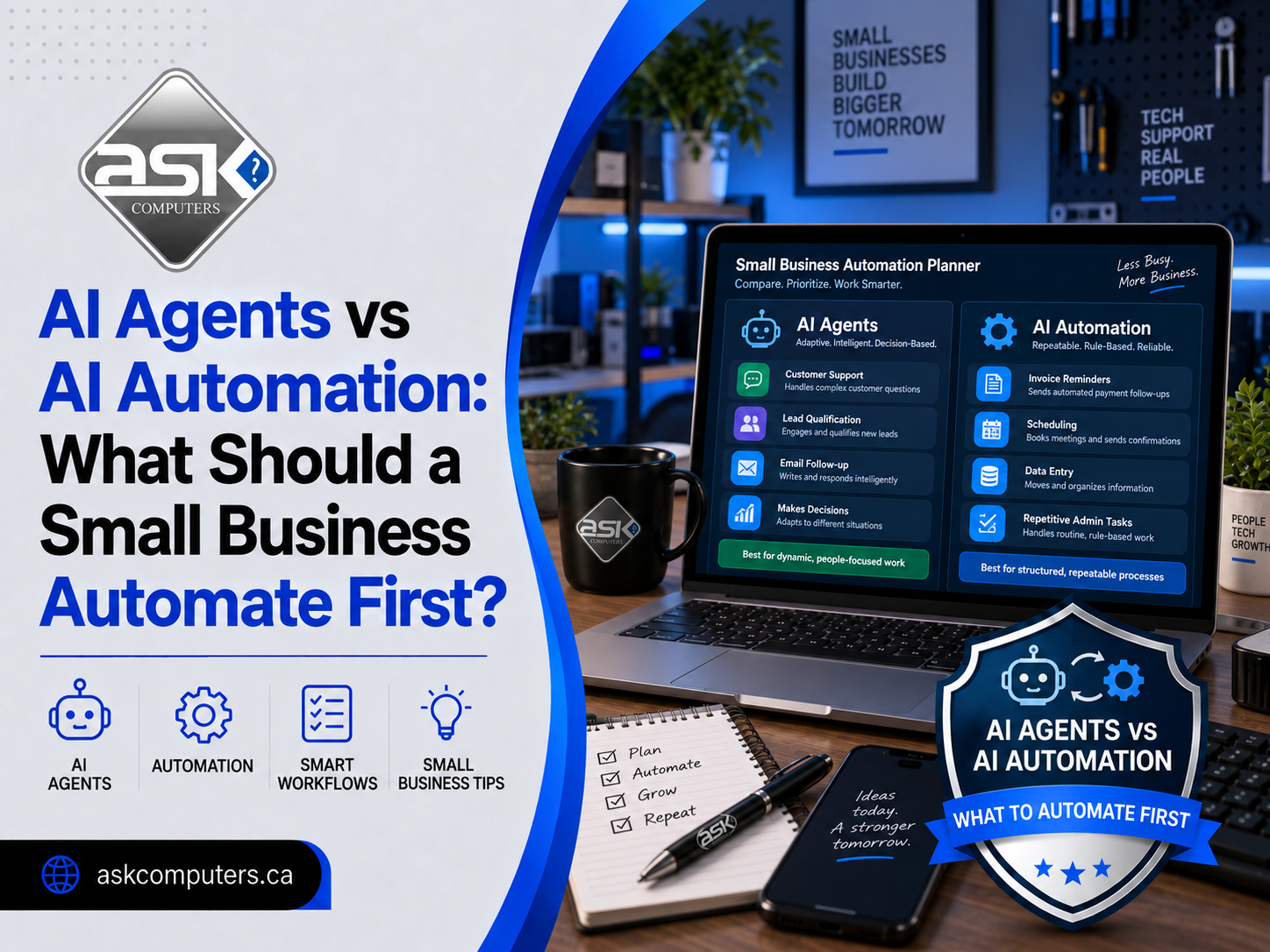
AI Agents vs AI Automation: What Should a Small Business Automate First?
Small businesses are hearing the same promise everywhere: artificial intelligence can save time, reduce repetitive work, improve customer service, and help smaller teams accomplish more.
The difficult question is no longer whether AI can help.
It is what should you automate first?
Two terms appear constantly in that conversation: AI automation and AI agents. They are related, but they are not the same thing. Choosing the wrong approach can make a simple business process unnecessarily expensive and complicated.
For many small businesses, the smartest strategy is to automate predictable processes first and introduce AI agents only where decisions, context, or multiple steps are required.
This guide explains AI agents vs AI automation, where each approach works best, and how a small business can decide what to automate without creating more problems than it solves.
Quick Answer: AI Agents vs AI Automation
AI automation follows a defined workflow to perform repetitive work automatically.
AI agents are more flexible systems that can interpret a goal, make decisions, use available tools, and complete several steps with less direct human instruction.
For example:
- Automatically sending a confirmation email after someone submits a website form is automation.
- An AI system reviewing the lead, identifying what service they need, checking your CRM, preparing a personalized response, creating a follow-up task, and alerting the correct salesperson behaves more like an AI agent.
IBM describes traditional automation as software performing repetitive tasks according to predefined processes, while AI agents can handle more complex goals requiring reasoning and decision-making.
For most small businesses, automation should come first.
What Is AI Automation?
AI automation combines artificial intelligence with automated workflows to complete tasks with less human involvement.
Traditional automation normally follows an exact rule:
If X happens, do Y.
For example:
When a customer fills out a contact form → create a CRM record → send an acknowledgment email → notify the sales team.
The process does not need to decide what should happen. The rules have already been established.
Adding AI can make that workflow smarter.
Instead of sending every customer the same email, AI could analyze the inquiry and create a response based on the customer’s request.
The workflow itself is still predictable.
This type of AI workflow automation is often the best starting point for small businesses because it solves clear operational problems without requiring a fully autonomous AI system.
What Are AI Agents?
AI agents go beyond simple workflow automation.
An AI agent receives an objective and determines how to accomplish it using information, instructions, applications, and tools available to it.
Microsoft explains that agents can introduce unnecessary complexity when a task is already structured and predictable. The company recommends identifying business problems and measurable outcomes before deciding an agent is required.
Consider this goal:
Follow up with qualified sales leads that have not responded.
A traditional automation might:
- Find leads with no response after three days.
- Send the same follow-up email.
- Update the CRM.
An AI agent could potentially:
- Find leads that have not responded.
- Read the original inquiry.
- Review previous conversations.
- Determine which leads are worth following up with.
- Draft a personalized message.
- Choose an appropriate next step.
- update the CRM.
- Escalate high-value opportunities to a salesperson.
The difference is decision-making.
Automation follows a path.
An AI agent can decide which path to take.
AI Agents vs AI Automation: Key Differences
| Area | AI Automation | AI Agents |
|---|---|---|
| Best for | Repetitive processes | Complex multi-step goals |
| Decision-making | Limited | Higher |
| Workflow | Predetermined | Can change based on context |
| Human supervision | Usually low after setup | Often requires stronger oversight |
| Complexity | Lower | Higher |
| Cost | Usually lower | Often higher |
| Risk | More predictable | Greater if permissions are broad |
| Example | Send invoice reminders | Review overdue accounts and choose the right action |
Neither technology is automatically better.
The better choice depends on the business problem.
What Should a Small Business Automate First?
The best automation opportunities usually have four characteristics:
- The task happens frequently.
- Employees perform the task in roughly the same way each time.
- The task consumes meaningful time.
- Mistakes or delays have a measurable business cost.
Start by looking for repetitive administrative work rather than asking, “Where can we use AI?”
The better question is:
Where is our team repeatedly spending time without creating significant additional value?
Here are some of the best places to begin.
1. Lead Capture and Lead Routing
Many small businesses lose leads because inquiries sit in an inbox waiting for someone to respond.
This is one of the easiest processes to automate.
A lead automation can:
- Capture website inquiries.
- Add contacts to a CRM.
- Identify the requested service.
- Assign the lead to the appropriate employee.
- Send an immediate acknowledgment.
- Create a follow-up reminder.
- Notify management about high-value inquiries.
AI can improve the process by analyzing free-text messages and categorizing each lead.
You do not necessarily need an AI agent.
A structured AI automation workflow is usually enough.
2. Appointment Scheduling and Reminders
Scheduling creates surprisingly large amounts of administrative work.
Businesses can automate:
- Booking confirmations.
- Appointment reminders.
- Rescheduling links.
- Follow-up messages.
- Calendar updates.
- Internal notifications.
These processes have predictable triggers and outcomes, making them excellent candidates for automation.
An AI agent becomes useful only when scheduling involves more complicated decisions involving multiple employees, priorities, locations, or customer requirements.
3. Customer Service FAQs
Small companies repeatedly answer questions such as:
- What are your hours?
- Where are you located?
- How much does the service cost?
- How long will the service take?
- Do you offer warranties?
- What information do I need before an appointment?
An AI-powered virtual assistant can answer common questions using approved business information.
Microsoft notes that practical small-business AI uses include customer support, receipt and invoice processing, marketing assistance, review analysis, and sales forecasting.
However, businesses should establish clear escalation rules.
Billing disputes, unusual technical problems, complaints, refunds, and sensitive customer situations should usually reach a person.
4. Invoice and Payment Follow-Ups
Employees should not spend hours every week manually checking which invoices are overdue.
Automation can:
- Detect overdue invoices.
- Send reminder emails.
- Schedule another reminder.
- Update payment status.
- Notify an employee when an invoice passes a defined threshold.
This is a perfect example of a process where predictable automation often makes more sense than an autonomous AI agent.
5. Email Sorting and Response Preparation
AI can make email management much faster without giving it complete control over your inbox.
For example, a workflow could classify incoming email into:
- Sales inquiry
- Customer support
- Invoice
- Vendor
- Spam
- Internal request
AI can then summarize the email and prepare a suggested reply.
For higher-risk communication, a person reviews the response before it is sent.
This human-in-the-loop approach gives businesses much of the productivity benefit of AI without allowing it to make uncontrolled decisions.
6. CRM Updates
CRM systems become unreliable when employees forget to update them.
AI business automation can help automatically:
- Create contacts.
- Summarize conversations.
- Record meeting notes.
- Update lead stages.
- Create follow-up tasks.
- Extract details from emails.
- Identify stale opportunities.
Once the business has reliable CRM data, an AI agent can potentially handle more sophisticated sales activities.
But the data foundation should come first.
7. Document Processing
Businesses frequently receive repetitive documents such as:
- Purchase orders
- Receipts
- Applications
- Forms
- Quotes
- Invoices
AI can extract the relevant information and move it into accounting, CRM, or operational systems.
That can remove large amounts of repetitive data entry.
When Should a Small Business Use an AI Agent?
After the basic processes are automated, businesses can look for work that requires flexible decision-making.
An AI agent may make sense when a task involves:
- Several applications.
- Multiple possible outcomes.
- Unstructured information.
- Decisions based on context.
- Repeated planning.
- Research followed by action.
Example: Sales Qualification Agent
Imagine a digital agency receiving dozens of inquiries every week.
An AI sales agent could:
- Read the inquiry.
- Visit the potential client’s website.
- Identify the requested service.
- Review the company’s industry.
- Check previous CRM activity.
- Estimate whether the opportunity matches predefined qualification rules.
- Prepare a customized response.
- Create the opportunity in the CRM.
- Recommend the next action.
That process is difficult to build with simple “if-this-then-that” rules.
It is a stronger candidate for an AI agent.
Where AI Agents Can Create Problems
Businesses should not give an agent broad access simply because automation is technically possible.
Agents can take actions, meaning incorrect decisions can have real consequences.
Potential risks include:
- Sending incorrect information to customers.
- Editing or deleting records.
- Exposing confidential information.
- Making unauthorized purchases.
- Sending inappropriate communications.
- Creating inaccurate reports.
- Taking actions based on misunderstood instructions.
The more autonomy an AI agent receives, the stronger the controls should be.
Businesses should consider:
- Permission limits.
- Human approval steps.
- Activity logs.
- Access control.
- Data protection.
- Testing.
- Clear escalation rules.
A good AI system does not simply automate more.
It automates the right amount.
A Simple Framework for Deciding What to Automate
Before investing in AI automation services, score each potential workflow using five questions.
Is the Process Repetitive?
Tasks occurring several times every day or week offer the greatest opportunity.
Is the Process Predictable?
Predictable processes should normally use automation before agents.
How Much Employee Time Does It Consume?
Saving 30 seconds once per month has little value.
Saving 20 minutes on a task performed 20 times each week can create meaningful ROI.
What Happens If the AI Makes a Mistake?
Low-risk tasks can receive greater automation.
High-risk activities should keep human approval.
Can Success Be Measured?
Useful metrics include:
- Hours saved.
- Response time.
- Leads converted.
- Tickets resolved.
- Administrative costs.
- Missed appointments.
- Outstanding invoices.
If you cannot define what improvement looks like, you may be automating a process that does not need automation.
AI Automation Maturity Model for Small Businesses
A practical progression looks like this:
Stage 1: Manual Process
Employees perform everything manually.
Stage 2: Basic Automation
Software handles repetitive triggers and actions.
Stage 3: AI-Assisted Automation
AI classifies, summarizes, extracts, or drafts information inside workflows.
Stage 4: Human-Supervised AI Agents
Agents perform multi-step processes but request approval for important actions.
Stage 5: Controlled Autonomous Agents
Agents can complete selected processes independently within strict permissions.
Many small businesses should aim for stages two through four before attempting broad autonomous systems.
What Should You Not Automate First?
Avoid beginning with a process simply because it looks impressive in a demonstration.
Be cautious about fully automating:
- Employee termination decisions.
- Legal advice.
- Financial approvals.
- Sensitive customer disputes.
- Large purchases.
- Password or security changes.
- Critical business decisions.
Automation should remove unnecessary work without removing necessary judgment.
AI Agents and Automation Work Best Together
The future is not really AI agents vs AI automation.
Successful systems often use both.
Automation provides reliable structure.
AI provides intelligence.
Agents provide flexible decision-making where needed.
For example:
Automation: New customer inquiry arrives.
AI: Classify the inquiry and summarize the customer’s needs.
Agent: Research the account and recommend the next action.
Human: Approve an important proposal.
Automation: Update the CRM and schedule the follow-up.
That combination can deliver strong efficiency without giving AI unnecessary control.
Start With the Business Problem, Not the AI Tool
Small businesses do not need AI everywhere.
They need technology that removes bottlenecks.
Start by documenting where your team spends its time. Find repetitive processes. Calculate the business impact. Automate predictable steps first. Then introduce AI agents where additional reasoning creates measurable value.
ASK Computers helps Toronto businesses evaluate workflows, connect business applications, and implement practical AI automation for small businesses.
The goal is not to automate everything.
It is to help your people spend less time managing repetitive processes and more time doing work that moves the business forward.
Frequently Asked Questions
What is the difference between AI agents and AI automation?
AI automation normally follows predefined workflows, while AI agents can interpret goals, make decisions, use tools, and complete multi-step tasks based on changing information.
Should a small business use AI agents?
Yes, but usually after simpler workflows are automated. AI agents are most valuable for processes requiring reasoning, multiple systems, changing conditions, or several possible actions.
What is the best process to automate first?
Lead management, scheduling, customer FAQs, invoice reminders, CRM updates, email classification, and repetitive document processing are often strong starting points.
Is AI automation expensive?
Costs vary depending on workflow complexity, integrations, data requirements, software platforms, and required security. Small businesses can often start with one high-impact workflow before expanding.
Can AI agents replace employees?
AI agents are more useful for removing repetitive work than replacing entire roles. Human judgment remains important for customer relationships, exceptions, sensitive decisions, strategy, and quality control.
What are examples of AI automation for small businesses?
Examples include automated lead routing, invoice reminders, appointment confirmations, customer support triage, email classification, CRM updates, reporting, and document processing.
How do I know whether I need automation or an AI agent?
If the process follows predictable rules, start with automation. If the process requires interpretation, planning, changing actions, or decisions across several systems, an AI agent may be appropriate.